Project records
Keep renovation photos useful, from start to finish
A simple system for room photos, useful captions and a record you can find again.
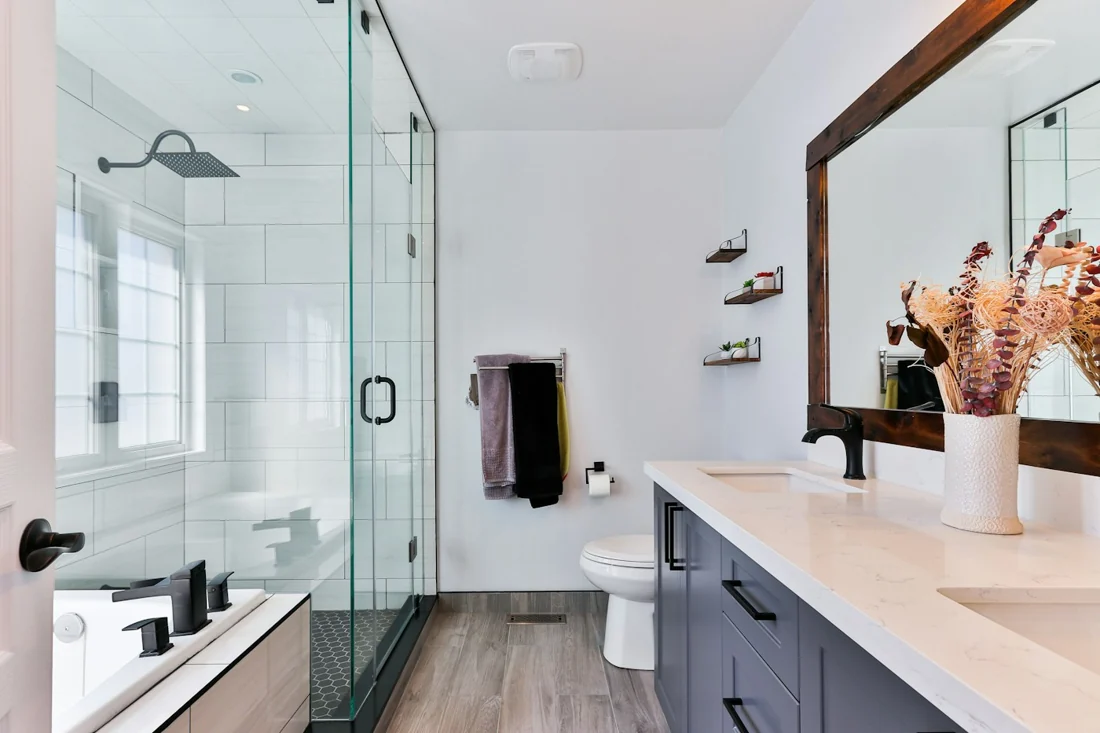
Useful renovation photos need context. Give each picture a room, connect it to a task when appropriate, and add a short caption explaining what it shows. That makes the record easier to understand when you return to it later.
Decide what you want to remember
Before adding a picture, ask what it will help you recall. It might show the starting condition of a room, a finish you selected, a delivery or the appearance of completed work.
A project record is easier to browse when pictures have a purpose. You do not need to keep every nearly identical image. Choose the ones that make the work and decisions understandable.
MakeReno’s photo features require the Photos or Unlimited subscription. Both allow unlimited photos within the projects covered by the plan; available device storage still applies.
Put photos in the right room
Assign each photo to its room when that context is clear. A bathroom picture is easier to find in the bathroom record than in an undifferentiated gallery of the whole renovation.
For pictures that relate to a specific task, attach them to that task. Keep project-wide images at project level when they do not belong to one room. Use consistent room names across your task, photo and expense records.
In MakeReno, you can take a photo with the camera or import images from your photo library. Bulk imports help when you already have a group of pictures to organize. Room filters let you return to the relevant images.
Write captions that explain the picture
A useful caption adds something the image cannot say on its own. “Kitchen” repeats the room label. “Handle finish selected for the lower cabinets” explains why the picture matters.
Useful captions can identify:
- What part of the work is visible.
- A material, color or finish you want to remember.
- A decision that the image records.
- A question you need to follow up on.
Avoid relying on a caption as proof of a measurement, approval or inspection. Keep those requirements in the appropriate professional records. MakeReno is a renovation organizer, and its images do not replace the documentation required for the work.
Make progress easy to follow
When you want a simple visual sequence, choose similar viewpoints at different stages. Keep enough surrounding detail to recognize the room. Add captions that distinguish an early condition from a later change.
You can browse MakeReno photos and use the gallery’s sorting controls to follow your records. Pair the pictures with task statuses and notes so the project tells a clearer story than a set of images alone.
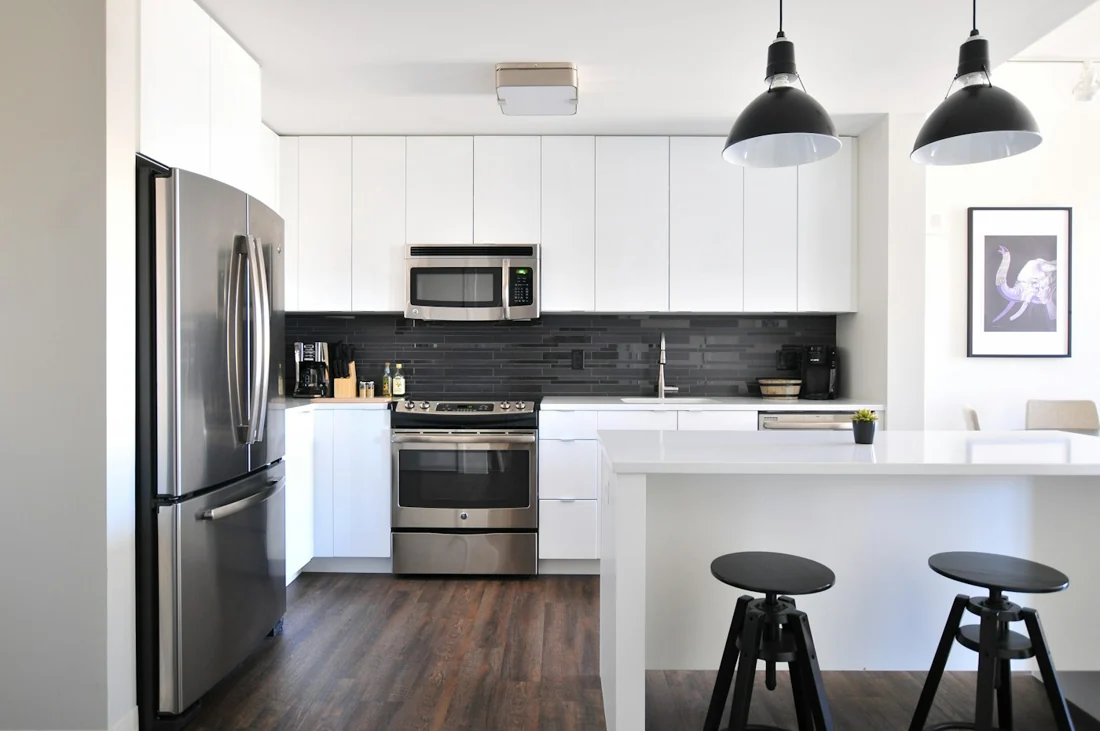
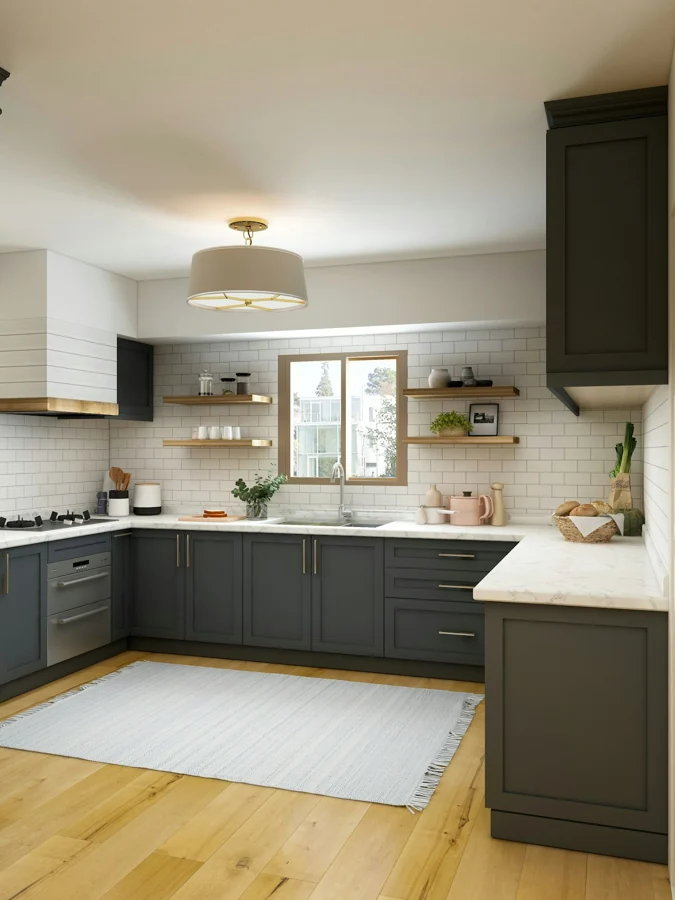
The photographs shown on this website and in the app demonstration are illustrative stock photographs. They are not evidence of a customer’s renovation or a measured before-and-after result.
Know where the photos live
MakeReno stores saved project photos locally on your iPhone. The app does not provide a project cloud-storage or sync service. Be mindful of device storage and keep an appropriate device backup.
Existing saved photos stay viewable, editable and deletable if your subscription ends. An active photo plan is needed to add new photos. Unlimited includes whole-project export while the subscription is active.
Share a complete project record
With Unlimited, export the whole project as a ZIP. It includes the saved photos and floor plans, a printable report, spreadsheet tables and structured project data. This gives someone a readable record without requiring access to your app.
The exported report can be opened in a browser and printed or saved as PDF. Export is not an importable backup or a way to synchronize two installations.
For a wider organizing routine, see the renovation planning checklist. If you also need a clear record of payments, read how to track renovation expenses.
Put your plan into MakeReno.
Organize one renovation project for free on your iPhone. Photo features and whole-project export are available with a subscription.
Get MakeReno