Planning
How to organize a home renovation, room by room
Start with the rooms. Then bring the tasks, dates, costs and decisions into one plan.
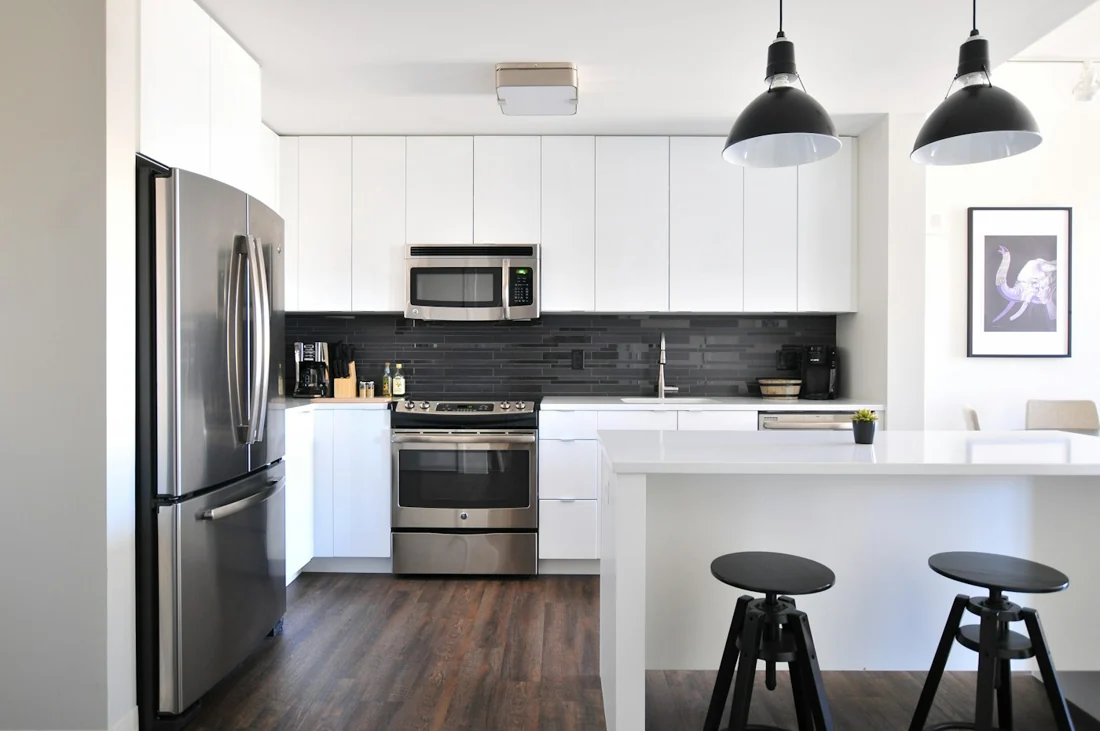
A home renovation is easier to follow when every piece of work has a place. Start with a room list, write down the work for each room, then connect your tasks to dates, estimates and notes. Review that plan as decisions change.
Start with the rooms and the scope
List the rooms included in the renovation. For each one, write a short description of what you intend to change and what you intend to keep. “Kitchen refresh” can mean very different things to different people; a written scope makes the intended work clearer.
Keep whole-project work separate from room-specific work. A delivery that covers several rooms should have one record rather than several slightly different copies.
In MakeReno, create a project and choose the rooms you need. Custom room names let you use the language of your own home. Budget and target completion dates are optional, so you can begin organizing before every detail is settled.
Turn each room into a task list
Use specific task names that describe an action. “Choose kitchen handles” is easier to complete than “Kitchen decisions.” Add a note when the task needs a finish, measurement, reference or detail you do not want to forget.
A useful task record includes:
- A clear name and the room it belongs to.
- A status: not started, in progress or done.
- An optional due date.
- An estimated cost when you have one.
- Notes that explain the decision or work.
MakeReno includes renovation task templates. Select the tasks that apply to your project, then adjust them to match the actual work. Templates are a starting point for your records; the sequence and requirements for construction work should come from the people responsible for that work.
Add dates when they are meaningful
Record dates you can use: a decision deadline, a scheduled delivery or an agreed target for a task. A target completion date provides context, while individual due dates help you see what needs attention next.
Review dates when plans change. An overdue task is a prompt to check the situation, update the plan or discuss the next step. Keep relevant explanations in the task notes so the reason for a change is not lost.
The MakeReno overview shows completed tasks, overdue work and target completion information. Room progress lets you see which parts of the project still need attention.
Keep budget and expenses in their own records
Set a project budget if you have one. Use task estimates to plan expected costs, then record expenses as money is spent. Keeping those records separate prevents a planned amount and a payment from being treated as the same thing.
Assign expenses to rooms where it makes sense. Put shared purchases at project level, with a useful note. See our guide to tracking renovation budgets and expenses for a simple recording routine.
Keep the visual context nearby
If you already have a floor-plan image, upload it and map your rooms in MakeReno. You can then tap a mapped room to navigate to its work. This is a way to organize an existing plan; it is not a measured architectural drawing or a replacement for a professional survey.
Progress photos are useful when they have context. With a photo subscription, add pictures to rooms or tasks and write short captions. Our renovation photo guide explains a simple way to keep those records useful.
Use a repeatable project review
Choose a review routine that fits the pace of your renovation. Each time, check:
- Which tasks changed status?
- Which dates need attention?
- Which expenses have not been recorded?
- Which decisions or notes need updating?
- Which room needs the next action?
One consistent review is more useful than a plan that is detailed once and never updated. MakeReno keeps these records on your iPhone, without an account. You can start with one free project; photo features and whole-project export depend on your plan.
Put your plan into MakeReno.
Organize one renovation project for free on your iPhone. Photo features and whole-project export are available with a subscription.
Get MakeReno